
Translate Picture to English
Upload a photo, screenshot, or sign and get a new picture with its text in English. English is already selected; compare the result with the original and download it.
JPG, PNG & WebP · Up to 10 MB · Free welcome credits after sign-in
Result will show here
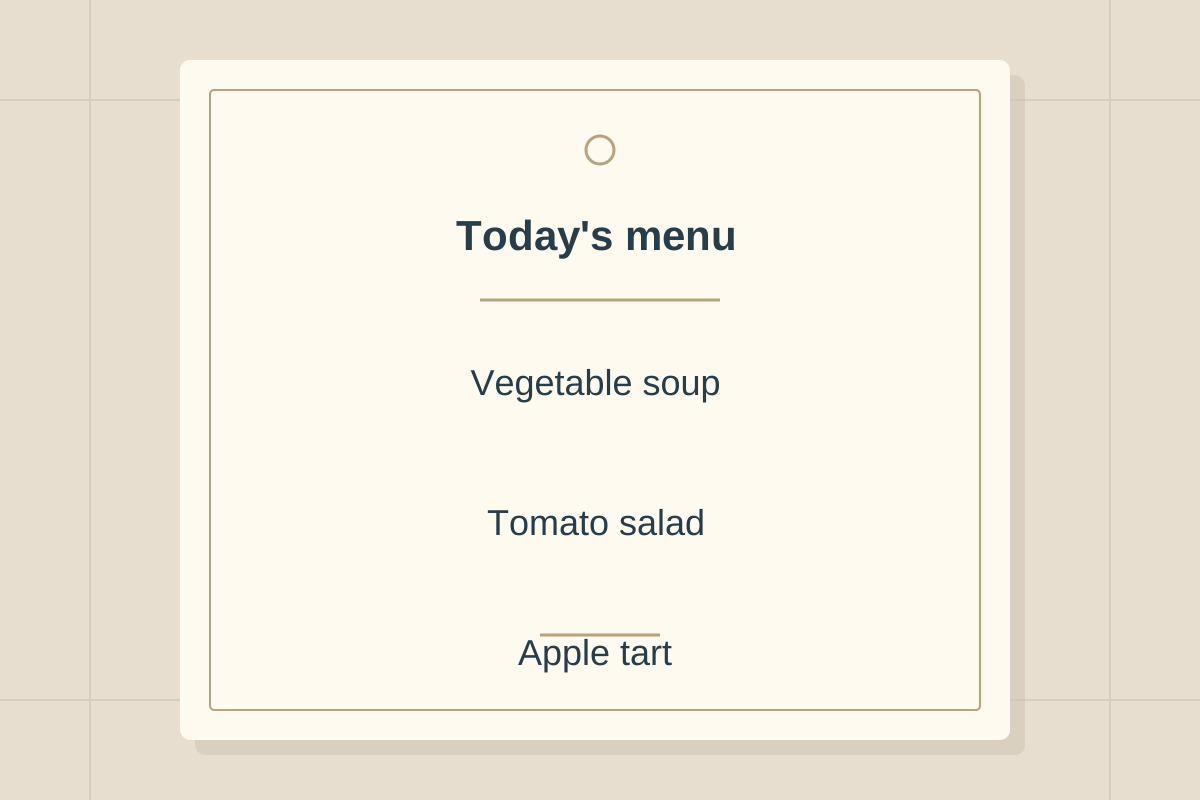
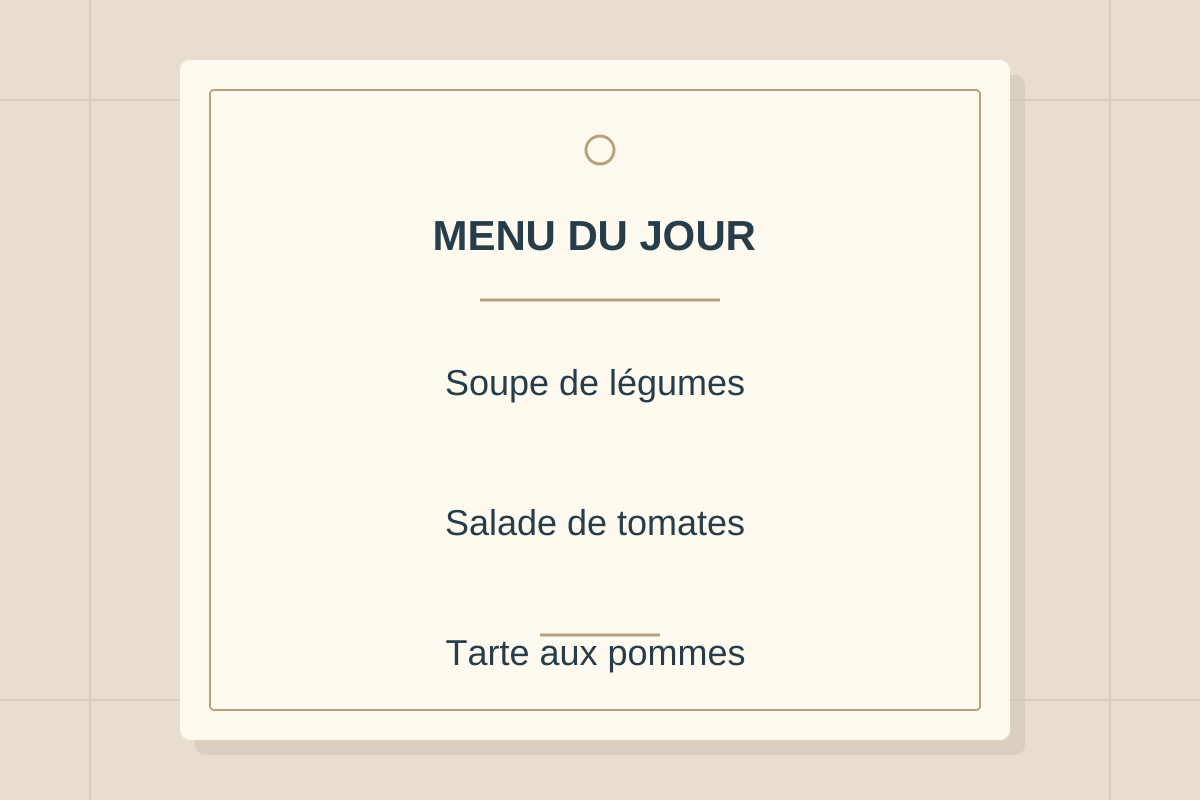
A French menu, translated into English
Compare dish names with their descriptions and prices. This illustrative example shows the intended output format; it is not a live translation result. Actual fonts, spacing, and wording can vary with the source image.
French to English
How to turn a picture into an English image
- Upload one clear image with the complete text you need. Keep nearby headings, prices, and labels in the frame.
- Leave English selected, sign in, and click Translate. The source language is detected automatically.
- Compare names, numbers, and instructions with the original. Download the English picture after checking the result.
Image generation takes longer than returning plain text. Keep the page open while the translated picture is being created.
What to check in different pictures
Japanese or Chinese signs and labels
Keep the full phrase rather than isolated characters. On a sign, preserve arrows and location names; on a product, keep model numbers and units beside their labels. Brand names may remain in the original language.
Menus and travel notices
Capture each dish with its description and price. The English wording helps you read the visible information, but it does not confirm allergens, opening hours, or later changes to a notice. Check those details with the relevant person or official source.
Chat and app screenshots
Keep the message order and the preceding reply when it supplies context. Crop out unrelated notifications. If you need to paste the English translation into a reply, choose the text-output tool instead of downloading a picture.
Readable English still needs a source check
Compare dates, prices, decimal points, names, and negative instructions such as “do not” with the source. A fluent sentence can hide a misread character, and a generated picture can change visual details. Retake a blurry photo or translate a clearer crop when a line is missing.
For a photographed study page, keep the title and page number with your notes. Use qualified review when an English translation affects a medical, legal, financial, or safety decision.
Images are sent to third-party providers for processing. Remove private details before uploading and read the privacy policy for the processing details.
Questions about translating pictures to English
How do I translate a picture to English?
Upload a JPG, PNG, or WebP with readable text. English is already selected. Sign in for free welcome credits, click Translate, then compare the generated picture with the source and download the result.
Do I need to know the language in the picture?
No. The source language is detected automatically from the visible text. Very short passages, mixed languages, or unclear lettering can reduce accuracy, so keep complete sentences and useful headings in the frame.
Can I copy the English translation as text?
This page creates a translated image. For editable English words you can copy or download as TXT, use the Translate Text from Image tool and select English.
Is picture-to-English translation free?
Signing in gives you free welcome credits. Each successful image translation uses credits; additional usage requires a credit pack or subscription. See the tool's current credit cost before starting.
Can I upload a PDF, Word file, or several pages?
Upload one JPG, PNG, or WebP image at a time, up to 10 MB. Direct PDF and Word uploads are not supported. Save the page you need as an image and keep dense text readable.